
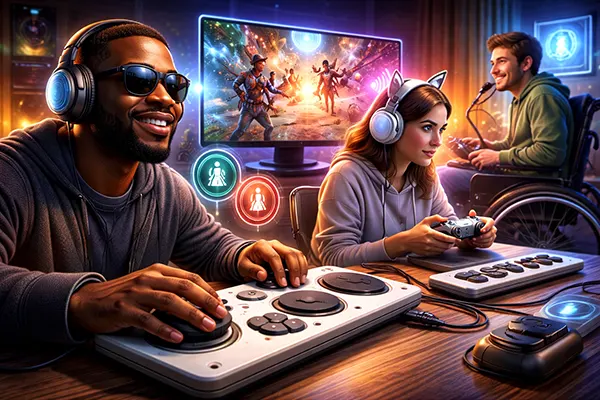
Accessibility in video games has shifted from being a niche feature to a core design principle. By 2026, major studios and independent developers alike are investing in systems that allow more people to play comfortably, regardless of physical, sensory or cognitive differences. Sound design, haptic feedback and interface customisation are no longer optional extras — they directly influence how players perceive, understand and react to gameplay. This article examines how these elements work in practice and why they matter.
Modern games increasingly treat audio as a functional layer of information rather than background ambience. Spatial sound systems, widely supported on current consoles and PCs, allow players to detect direction, distance and movement of in-game elements. For players with limited vision, this can replace or supplement visual cues entirely. Titles like The Last of Us Part II and Forza Motorsport have demonstrated how carefully engineered audio cues can guide movement, signal threats and provide orientation.
Clear and adjustable audio cues are essential for accessibility. Developers now include separate sliders for dialogue, effects, ambient noise and assistive sounds. This enables players to prioritise what they need most. For example, increasing footstep or interaction sounds can make stealth or puzzle mechanics easier to follow. In competitive games, this level of control can also reduce cognitive overload by filtering unnecessary noise.
Another important development is audio description. Some modern titles include narrated explanations of menus, cutscenes and key gameplay moments. This is particularly valuable for visually impaired players, allowing them to understand context without relying solely on subtitles or external assistance. As of 2026, this feature is still not universal, but its adoption is steadily growing, especially among major publishers.
Subtitles have evolved far beyond simple dialogue transcription. Contemporary systems include speaker identification, tone indicators and environmental sound descriptions such as “door creaks” or “enemy approaching from left”. This helps players who are deaf or hard of hearing to interpret the full scene, not just spoken words.
Visualised sound indicators are another practical tool. These systems display directional markers or icons on the screen when certain sounds occur. For instance, in Fortnite and Call of Duty, players can see visual representations of footsteps, gunfire or vehicles. This creates an alternative channel for situational awareness that does not depend on hearing ability.
Importantly, these features are often customisable. Players can adjust size, colour and position of indicators to match their preferences. This flexibility ensures that visual cues enhance gameplay without becoming intrusive or distracting.
Vibration in controllers has progressed significantly with the introduction of advanced haptic systems, particularly on devices like the PlayStation DualSense. Instead of simple rumble effects, modern haptics can simulate textures, resistance and environmental conditions. This adds another layer of feedback that can be used for accessibility.
For players with hearing impairments, vibration can act as a substitute for audio alerts. Subtle pulses may indicate nearby danger, while stronger feedback can signal impact or critical events. In racing games, vibration patterns can reflect road surfaces, helping players maintain control without relying entirely on visual input.
Consistency is key when using haptics for accessibility. Developers must ensure that feedback patterns are predictable and clearly associated with specific actions or events. When implemented correctly, vibration becomes a reliable communication tool rather than a decorative feature.
Accessibility in hardware has advanced alongside software. Devices such as the Xbox Adaptive Controller allow players to configure inputs according to their physical needs. Buttons, switches and joysticks can be rearranged or replaced, enabling people with limited mobility to engage with games on their own terms.
Games that support flexible input mapping are essential for making full use of these devices. Players can assign actions to different buttons, simplify control schemes or reduce the need for complex combinations. This is particularly important in fast-paced or competitive genres where reaction time matters.
By 2026, cross-platform support for adaptive hardware has improved, but gaps still exist. Some titles continue to rely on fixed control layouts, limiting accessibility. However, industry guidelines from organisations like Microsoft and Sony are pushing developers towards more inclusive design standards.
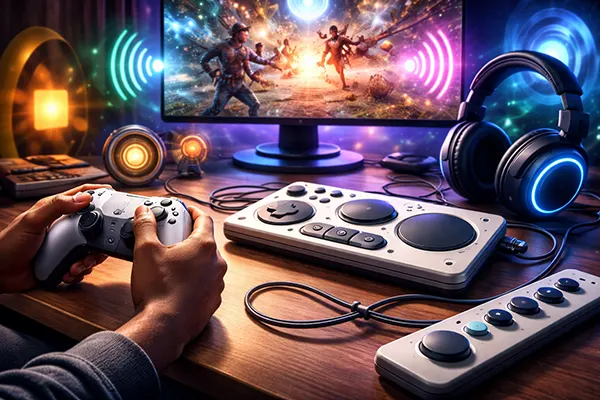
The interface is often the first barrier a player encounters. Small text, cluttered menus and low contrast can make even simple tasks difficult. Modern accessibility standards address these issues through scalable UI elements, adjustable fonts and high-contrast modes. These options allow players to tailor the interface to their visual needs.
Colour blindness modes are now widely implemented, offering alternatives to traditional colour schemes. Instead of relying solely on colour differences, games use shapes, patterns or icons to distinguish elements. This ensures that critical information remains clear regardless of how colours are perceived.
Menu navigation has also improved. Features such as text-to-speech, speech-to-text and simplified menu structures reduce friction for players with cognitive or motor challenges. These systems help users interact with settings, communicate in multiplayer environments and understand game mechanics more easily.
Accessibility is not limited to physical or sensory considerations. Cognitive accessibility focuses on reducing unnecessary complexity and making gameplay easier to understand. This includes clear tutorials, optional hints and adjustable difficulty settings that do not penalise the player.
Many games now include “assist modes” that allow players to modify specific aspects of gameplay, such as timing windows, enemy behaviour or puzzle difficulty. This approach respects player autonomy while ensuring that challenges remain fair and engaging.
Consistency in design also plays a significant role. Predictable controls, clear feedback and logical progression reduce confusion and help players build confidence. When combined with the other accessibility features discussed above, these elements create an environment where more people can participate and enjoy gaming without unnecessary barriers.

Mobile game monetisation in 2026 is no longer neatly divided …

CloverPit turns one of gambling’s most familiar machines into the …